
Poll
Readers pick an answer with one tap and the vote is recorded. Results update live.
- Apple Mail
- One tap
- Gmail
- One tap
- Outlook
- One tap
Live demo
We'll email you a real interactive email. Vote, swipe and rate from your inbox, and watch each click show up here.
MailInApp
Your MailInApp demo: click something 👆
In Apple Mail, the carousel swipes right inside the email. Votes and stars are one tap in every app, and the countdown is a live image everywhere.
This is the real email, rendered by the same engine that sends it. Clicks here aren't recorded. Clicks in your inbox are. Simulated from tests in the real apps.
How it works
Enter your address and pass the quick check. The email leaves within seconds.
Gmail, Outlook, Apple Mail or your phone. Every block works or falls back cleanly.
Pick a coffee, flip through the carousel, rate the email. No landing page in between.
Each tap shows up on this page within seconds, next to everyone else's votes.
What's inside
Each one is drag-and-drop in the studio. Where an app can't run it, the fallback engine sends a version that still works.
Readers pick an answer with one tap and the vote is recorded. Results update live.
Swipe through products inside the email, built with CSS, no JavaScript.
A live timer redrawn at every open, so the deadline is always right.
Stars that collect a score from the inbox and can ask a follow-up for low ones.
One studio, any brand
The same blocks, styled six different ways. Every brand here is made up, so you can see what's possible without anyone's real campaign.
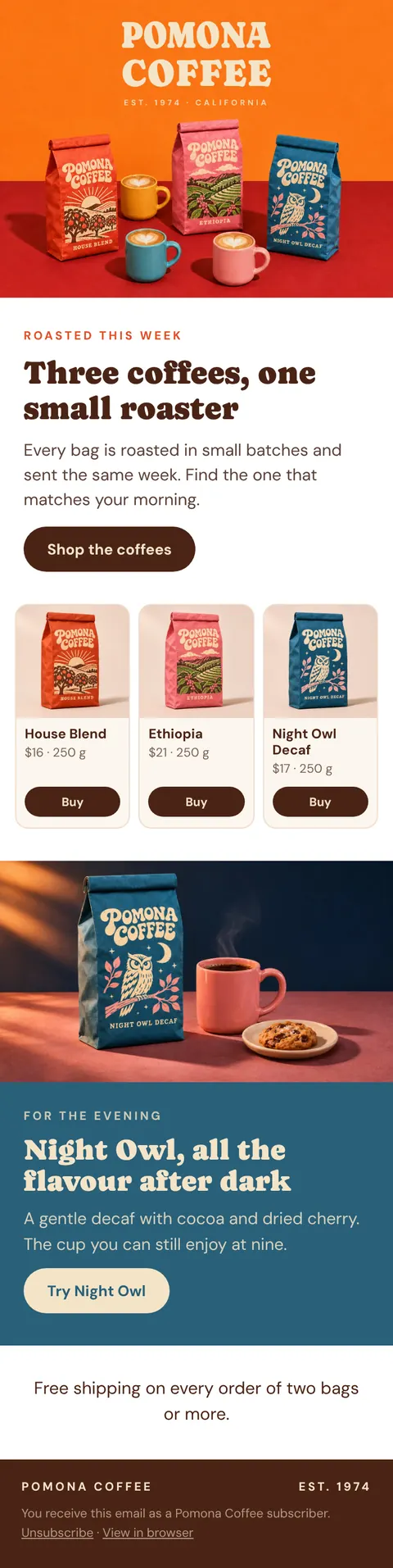
Pomona Coffee
Specialty coffee
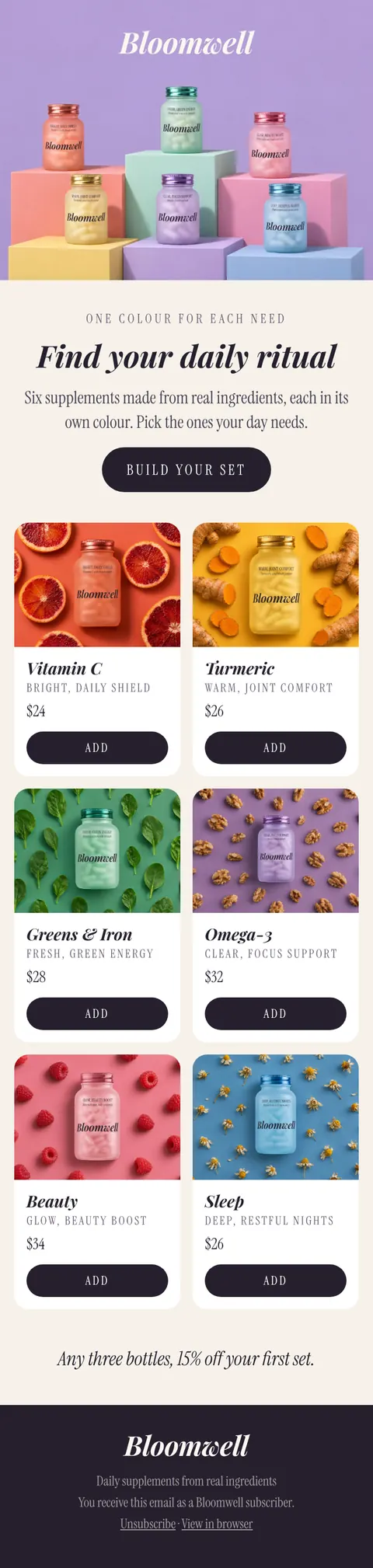
Bloomwell
Daily supplements
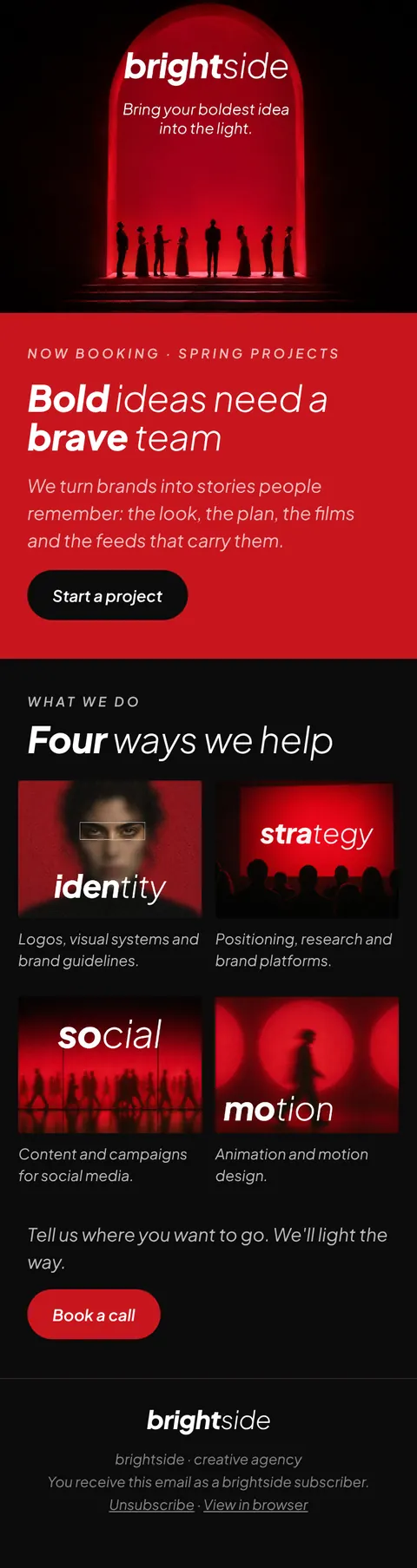
Brightside
Creative agency
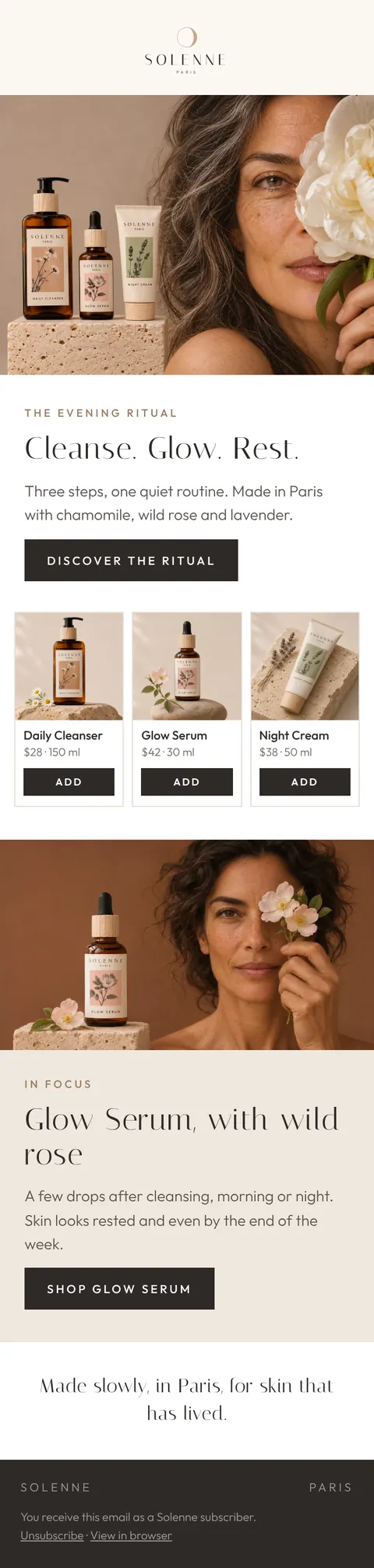
Solenne
Skincare, Paris
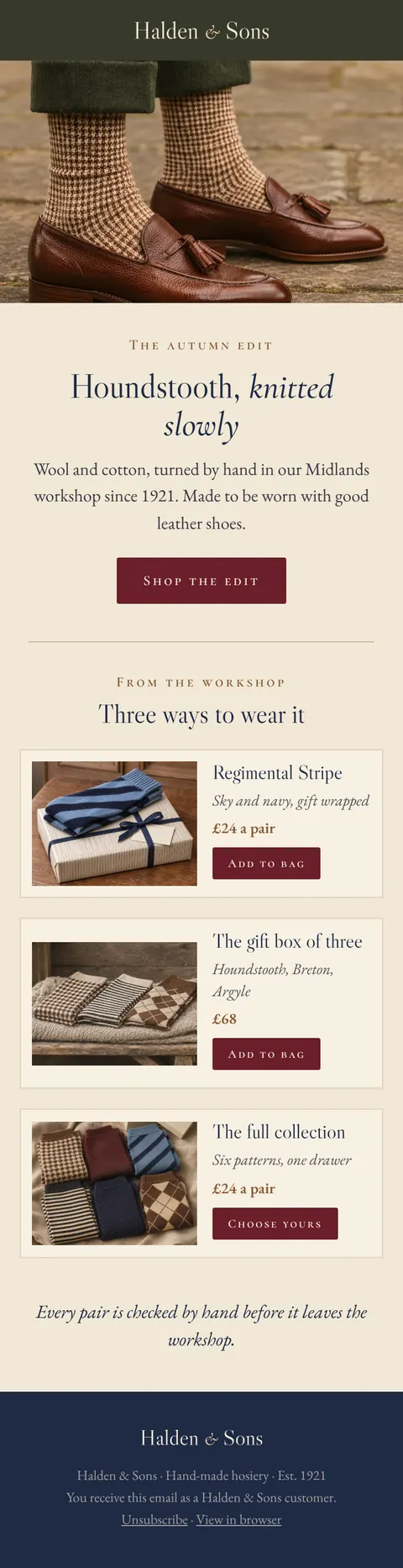
Halden & Sons
Hand-made socks, England

Tad'Art
Cement tiles, Marrakesh
Fictional brands made for MailInApp's demos.
See use casesQuestions
We use it to send this one email and show its clicks on this page, and delete it after 30 days. If you tick the box, we also keep it to send occasional tips until you unsubscribe.
Yes. Every block has a fallback: where an app can't run the carousel, it shows the first picture and a link, and votes and stars are plain one-tap links everywhere. Use the email app switcher above to see each version.
No. Pomona is one of six fictional brands we made for demos, so the email looks like a real campaign without using anyone's real one.
Each address gets one demo a week. If it hasn't arrived, look in Promotions and Spam, or search your mail for MailInApp.
Yes. Start free and open a copy of this exact email in the studio, then change the brand, the blocks and the words.
Start free, with this demo email as your first draft in the studio.